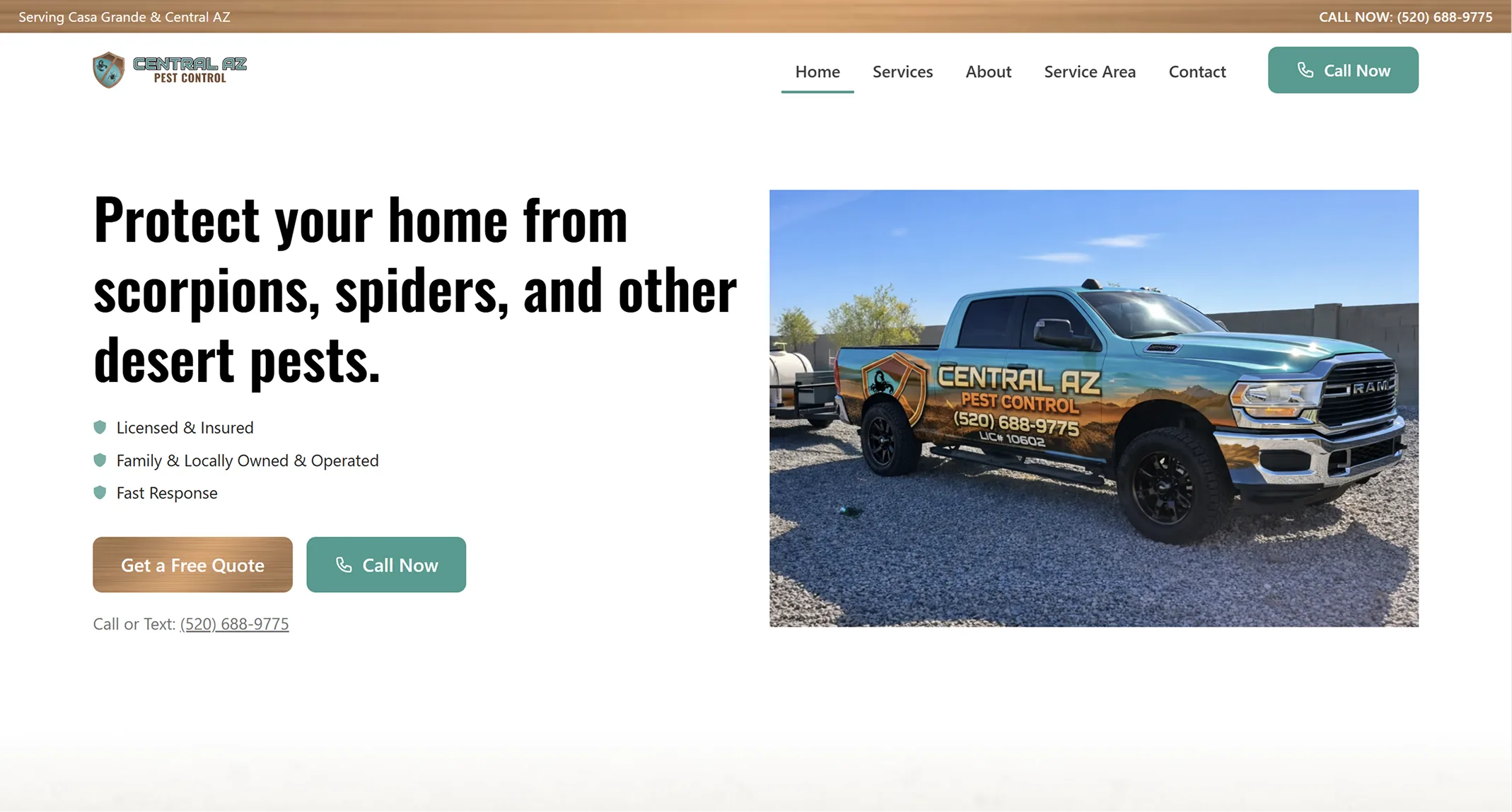
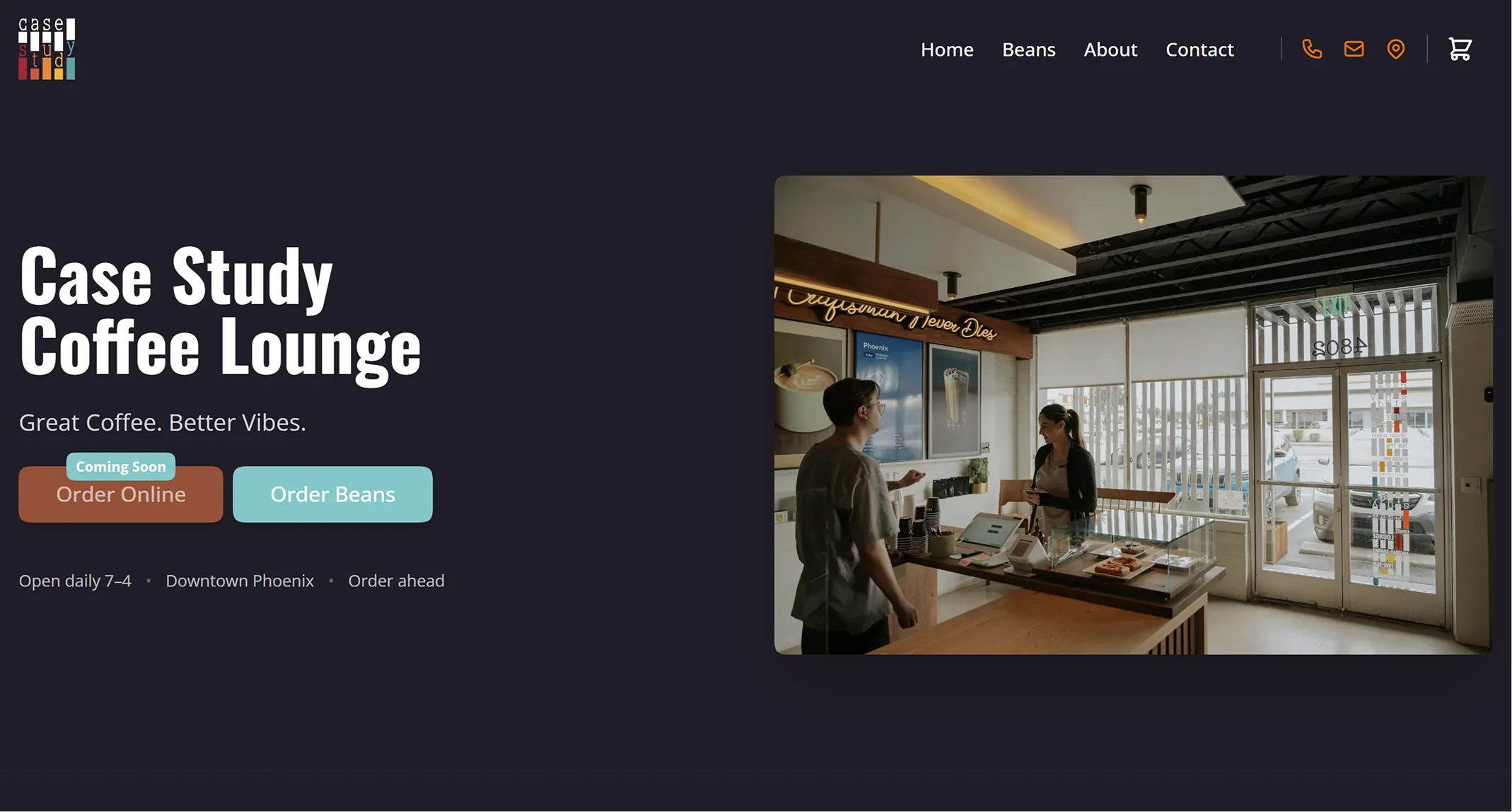
Gerrish Jewelers

- Replaced a Word document appraisal workflow with a guided form that formats every document automatically
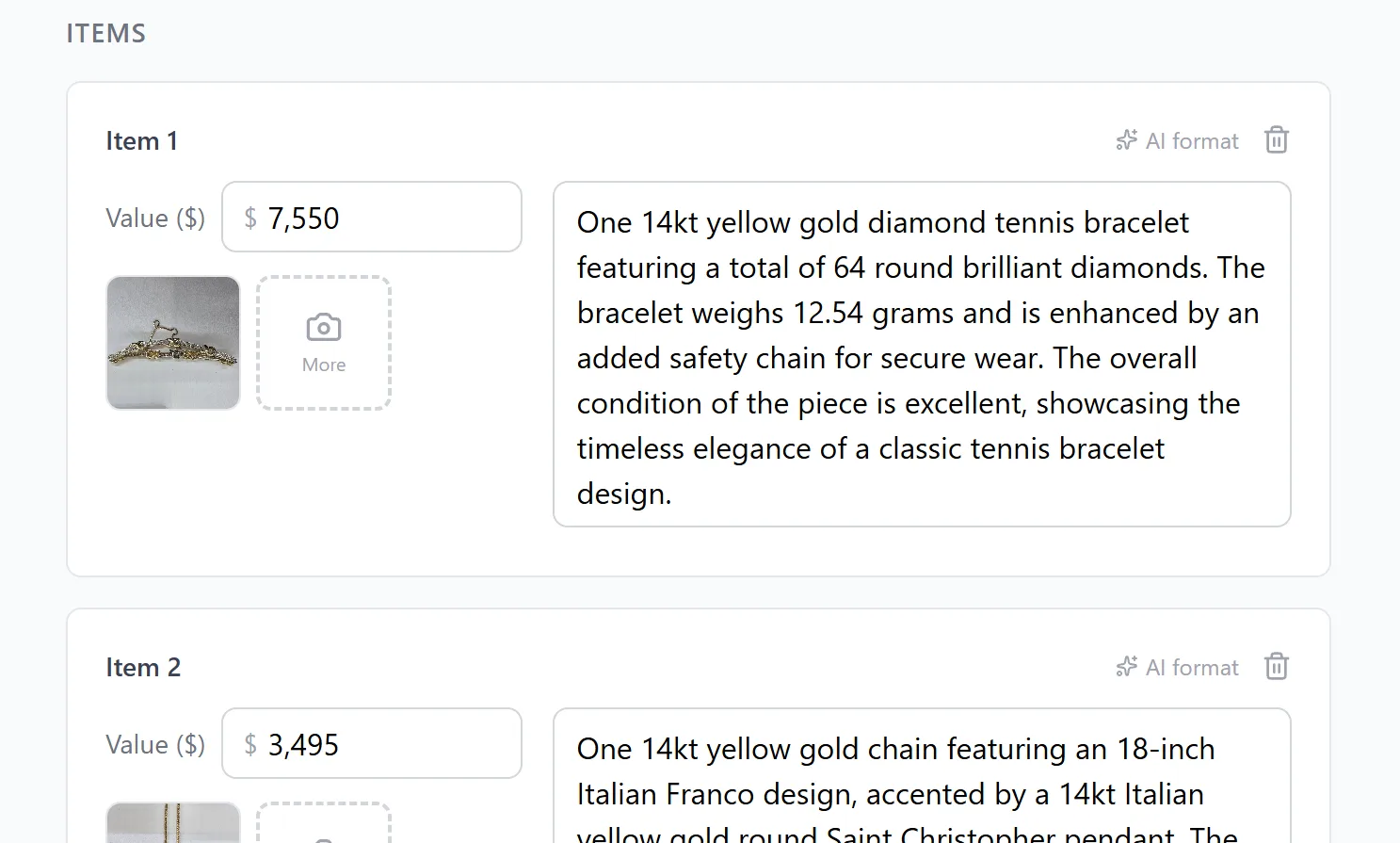
- Built an AI Format button that rewrites rough item descriptions into proper jewelry industry language
- Designed around an owner who is an expert jeweler, not a tech user
- The website reflects the warm, close-to-luxury feel of the physical store
Gerrish Jewelers has been in the fine jewelry business for decades. The store has a specific feel to it: warm, unhurried, the kind of place where the person behind the counter actually knows what they are looking at. The goal was a website that reflected that, not another generic jeweler template with stock images and a form at the bottom.
But the more interesting problem wasn’t the website. It was appraisals.

The Word Doc Problem
Before the tool existed, appraisals were done in a saved Word document. The owner would open it, type in the item details, and try to get everything laid out correctly. Adding an image would throw off the text wrapping. Inserting a new line in the wrong place would shift everything else down. Getting it to print cleanly was its own battle every single time.
It worked, technically. But it was slow, inconsistent, and completely dependent on the person doing it knowing exactly which part of the document to edit without breaking something else.

What We Built Instead
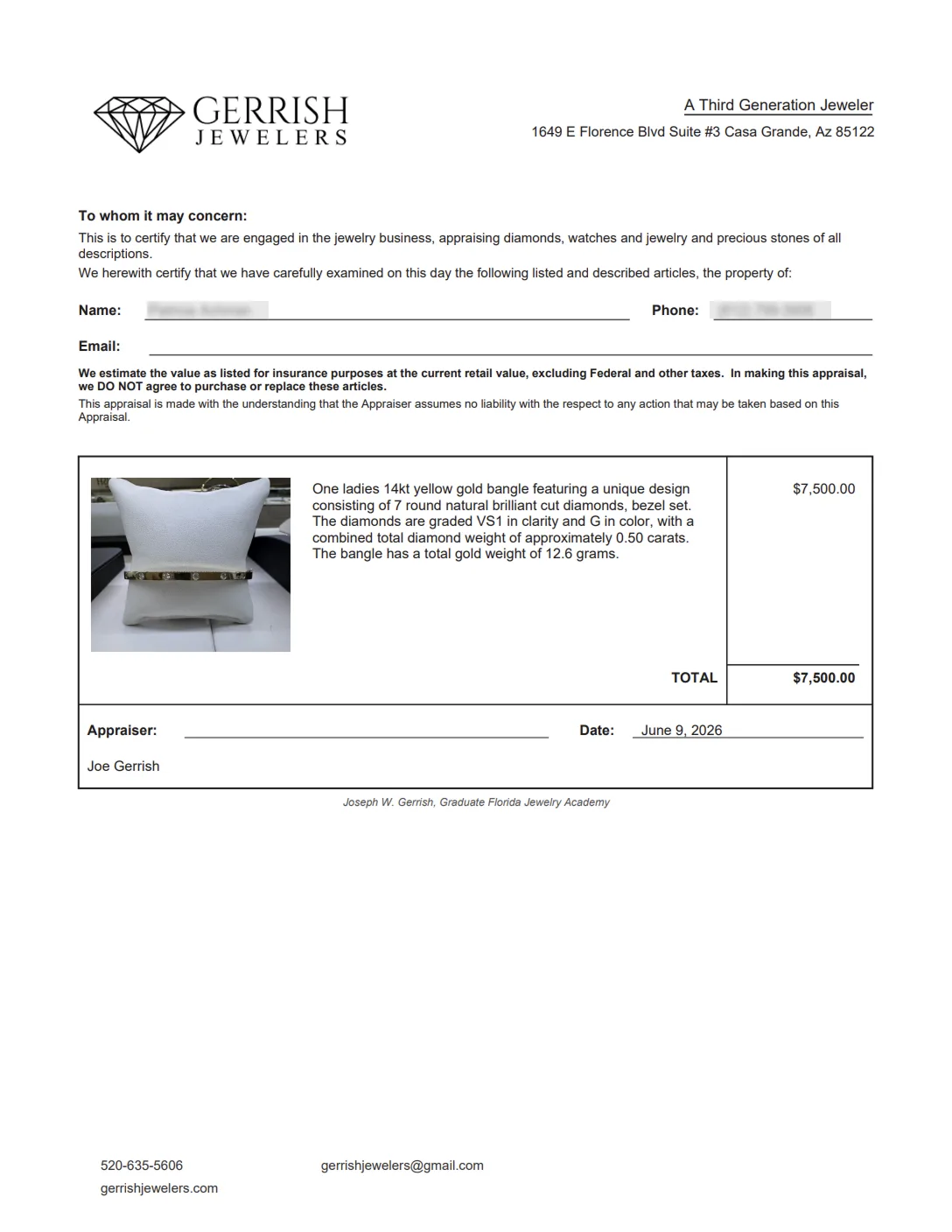
The appraisal tool is a guided form. He fills it out field by field: item type, metal, stone details, condition, estimated value. When he is done, it formats everything into a clean, print-ready document automatically. No layout wrestling. No text wrapping surprises. The output looks the same every time.
The part he mentioned to others the most: there is a button in the item description field labeled “AI Format.” He types in a rough description of the piece in plain language and clicks it. The tool rewrites it to match predefined jewelry industry guidelines he provided, using proper terminology, consistent structure, the kind of language that belongs on a professional appraisal document. It takes what he already knows and puts it in the right words.
He said more than once that this is something jewelers everywhere would use. He is probably right.
Built for the Craftsman, Not the Tech User
The biggest design constraint on this project was the person using it. The owner is exceptional at what he does: identifying stones, working with metals, sourcing and building pieces for customers who come in with specific ideas. He is not someone who wants to think about software.
Every decision in the tool came back to that. The form had to be obvious. The output had to just work. There could not be a step where something might go wrong that required figuring out why.
The website followed the same logic. Clean, photography-forward, easy to navigate. It looks the way the store feels, close to a luxury experience without being cold about it.
Who Walks In
Gerrish serves a few different customers. People who need a repair and want someone they can actually trust with a piece that matters to them. People who have old jewelry sitting in a drawer and want it redesigned into something they will wear. People who come in with an idea: a stone, a style, a feeling, and want help building something around it.
The site is written for all three. Every page gives someone a clear reason to reach out, whether they know exactly what they want or just know they want something done.
This is a Custom build. Clean, fast, built around how your business runs. No templates, no page builders.